Ready-to-use AI Apps
Easily manage evaluation processes and produce documents in different formats.
Tool Overview
The Syntetica generation tool is a powerful feature that allows the creation of workflows, called "Applications", for the development of complex documentation and other types of assets made up of multiple contents. This tool is especially useful for producing proposals, bids, contracts, presentations, websites, and more. Below is a detailed description of how this tool works and its main features.
Workspace
The generation tool has a central workspace where blocks are added to generate content. This area is the heart of the tool and allows you to visualize and organize the various blocks and context groups that form the generator.
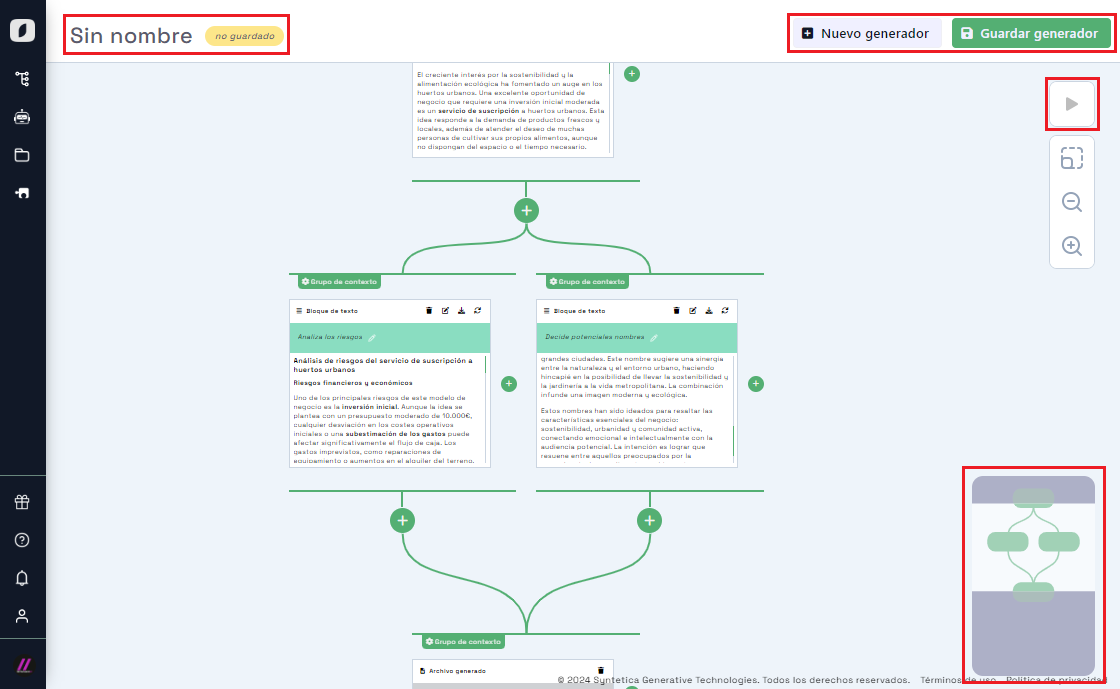 Generation tool workspace, showing various blocks and context groups
On the top left is the application name, once saved, and on the top right are the controls to run the application. These controls are only enabled once the application has been saved. The top right also contains the save and create controls, which allow you to store an application for later use or start a new one from scratch. Additionally, on the bottom right, when the zoom applied to the work canvas is not enough to display it fully, a minimap appears that helps in navigating the application.
Block Types
Input Blocks
Input blocks allow you to incorporate information from external sources, such as files or websites, to contribute to the generative process. These blocks are essential for providing the artificial intelligence with the necessary data to generate high-quality content. The types of input blocks currently include files, but will soon include internet searches, web addresses, and dynamically generated forms.
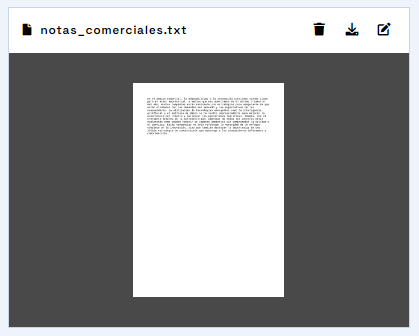 File-type input block, used to bring documents from local computers or synced clouds
Generation Blocks
Generation blocks allow you to create specific content such as text, diagrams, tables, graphs, and images (soon to include code, sound, and video). These blocks receive a generation instruction (a prompt), and being located within a context group, they draw from all blocks located in preceding groups to generate content.
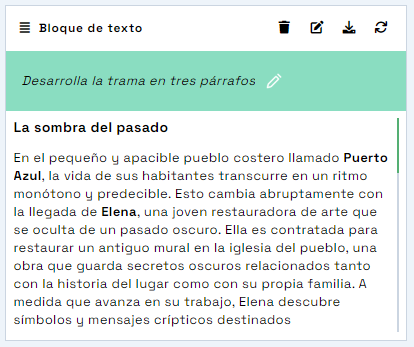 Text-type generation block, used to create text made up of several paragraphs based on a specific instruction
Output Blocks
Output blocks allow you to group and consolidate the generated content into output files, such as Word documents, PowerPoint presentations, or Excel spreadsheets. These blocks only require the file title to determine how to organize their content.
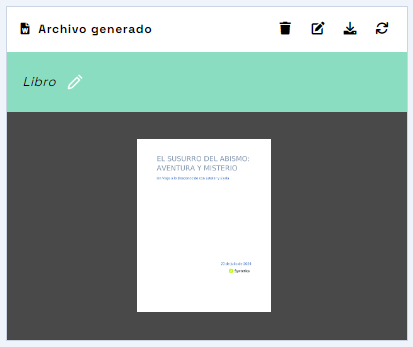 File-type output block, used to generate output documents in Word, PowerPoint, or Excel formats
Block Operation and Control
Each block has a control area located at the top right, which allows you to manage various actions such as editing properties, selecting content, generating or regenerating, stopping the generation, and downloading the content. These controls vary depending on the block type.
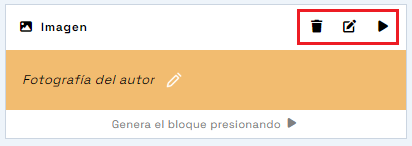 Block controls, showing buttons to delete block, edit advanced properties, and generate content
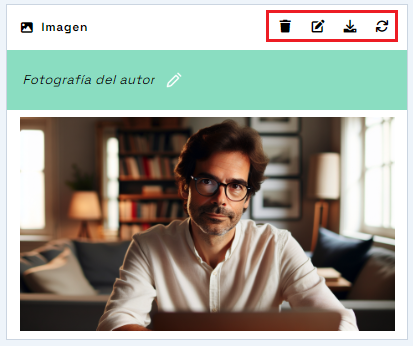 Block controls, showing buttons to delete block, edit advanced properties, download content, and regenerate content
Block Properties
All blocks have editable properties that determine both their appearance and behavior. These properties can be modified through the properties dialog, accessible via the "Edit advanced properties" button. Basic properties include the block title, and for input blocks, it also allows selecting another associated file.
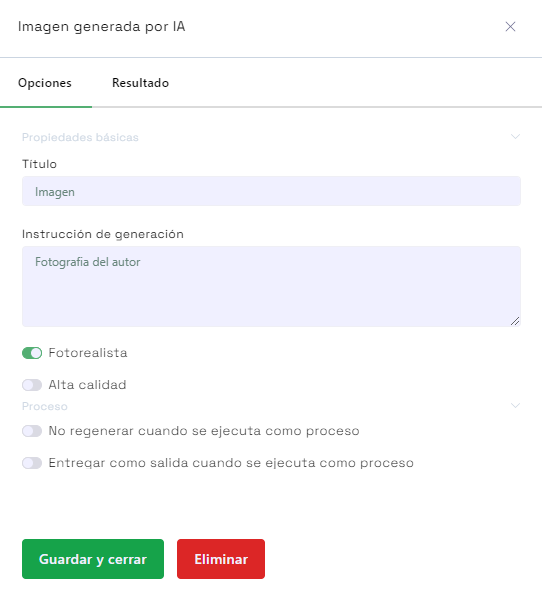 Block properties dialog, showing options to edit the title and other specific properties of the block
Additionally, generation and output blocks allow you to configure options that affect the automatic execution of the application. For example, you can decide that a block does not regenerate when the application is executed, or that it is delivered to the user who activates the execution.
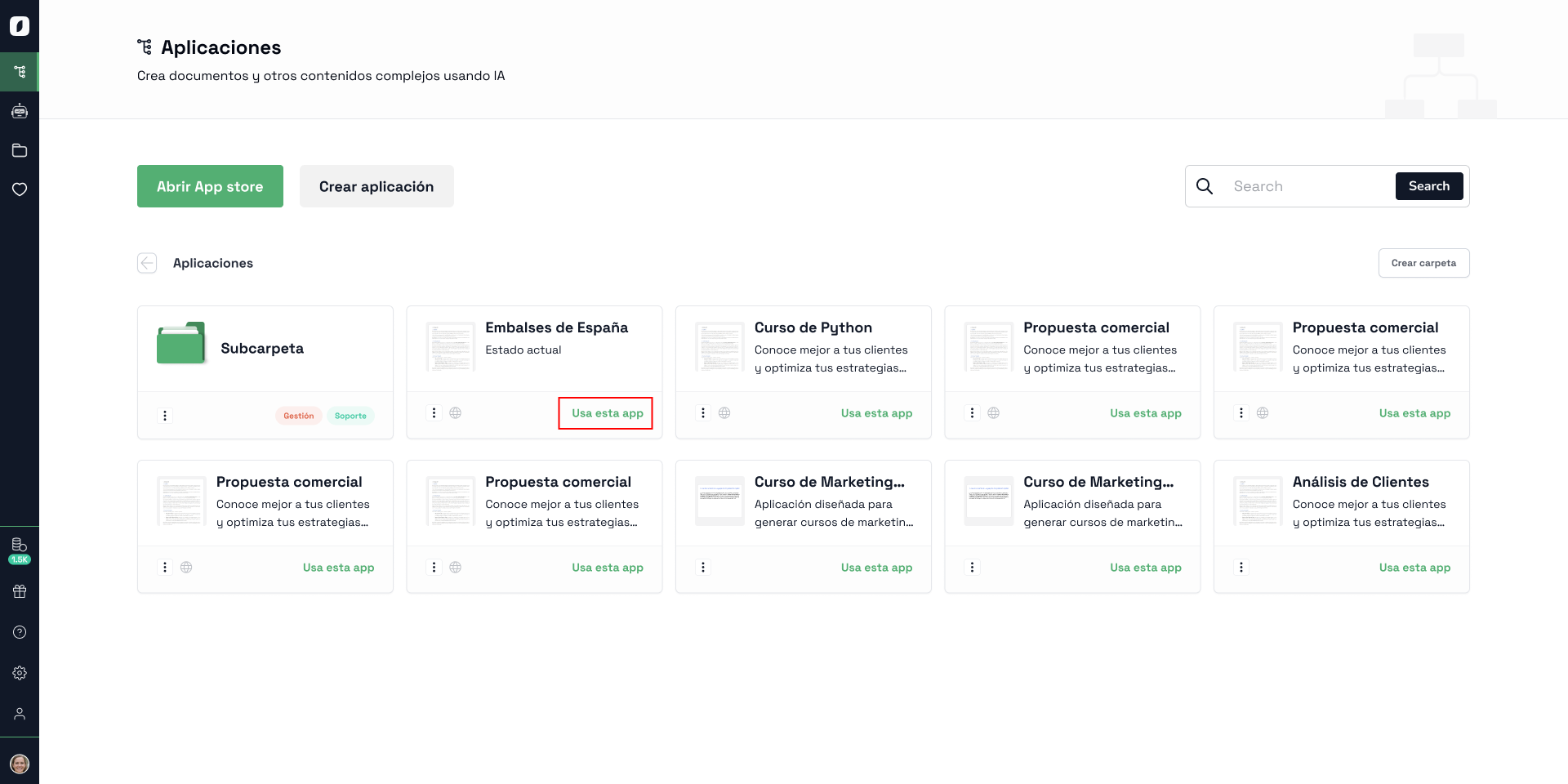 Using the application
Context Groups
Context groups are essential for controlling the information that blocks use to generate content. When a block is added, it is always placed in a context group, which defines the data that its blocks have for performing the generation. Blocks within a group do not affect other blocks in the same group, they only affect blocks in subsequent groups.
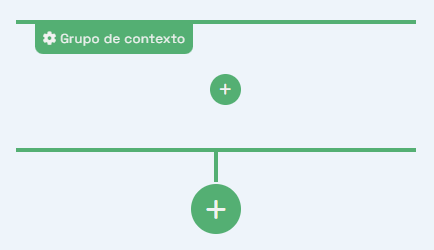 Context groups
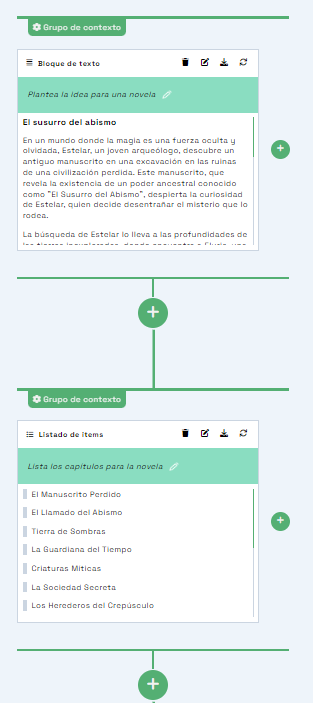 Context groups, showing how one group derived from another can access information from preceding blocks
Context Depth
Context depth determines the number of higher levels that blocks in a group can access. By default, this option is indefinite, meaning they have access to all preceding groups in their branch.
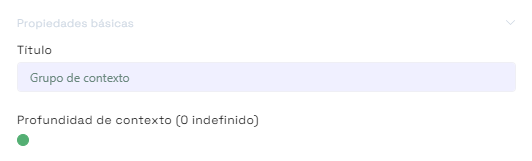 Context depth, showing how a group may have limited access to preceding groups depending on the configuration
Multiple Content Generation
This option in a context group can be selected when a generation block of type list exists in the preceding context group. This option allows the dynamic generation of multiple content blocks, maintaining the current context division until the "Merge" option is set. This is useful for cases where the number of items to be generated is not known in advance or depends on a higher block. Additionally, you can set a filter to reduce the items in the list, such as "only the first four".
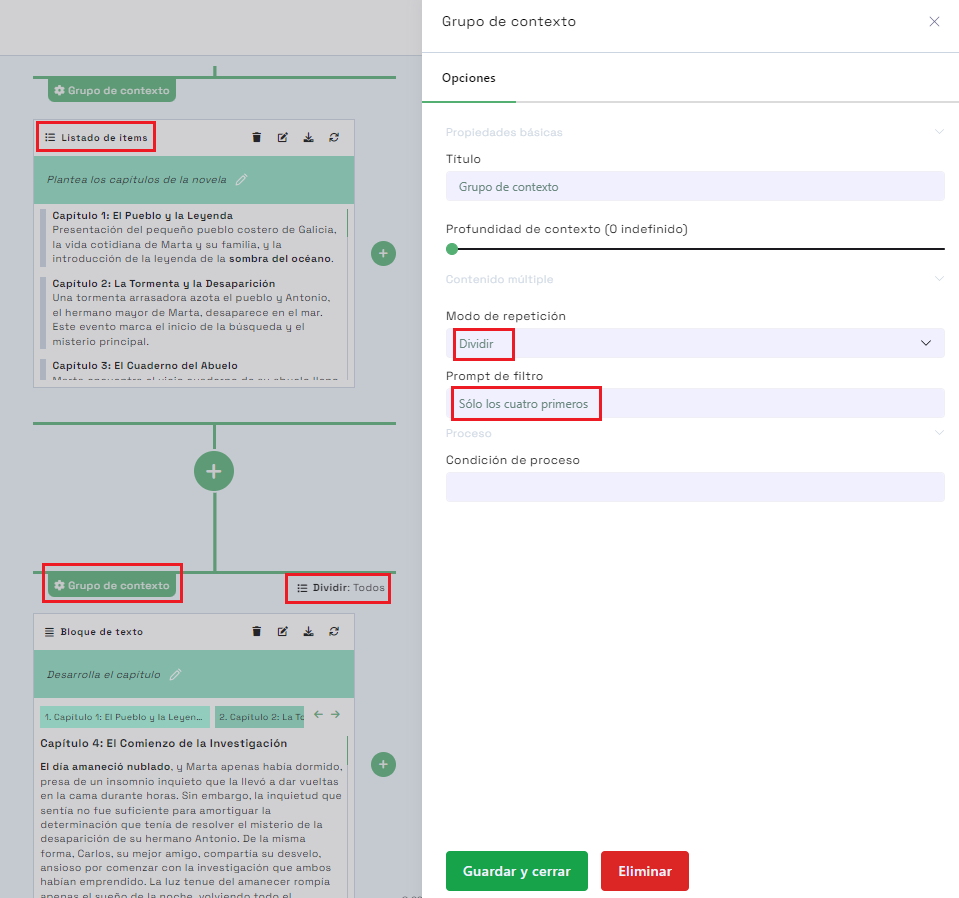 Multiple content generation, showing how a group can generate multiple content blocks based on a list
Note: A list with many items may produce a "cascade" of generations, consuming many tokens. The system will alert you when this may happen, use the "filter" property to reduce the items if needed.
In summary, the Syntetica generation tool is a robust and flexible solution for creating complex documentation and other composite assets. Its ability to manage context and generate multiple content makes it ideal for a wide variety of applications.


